

Skip to content
Nectar Nectar Notes

Conversations

Find or create an AI girlfriend

Start with the way a character talks, not just their portrait. A quiet, curious companion and an outspoken romantic can take the same opening in very different directions.

Browse companions
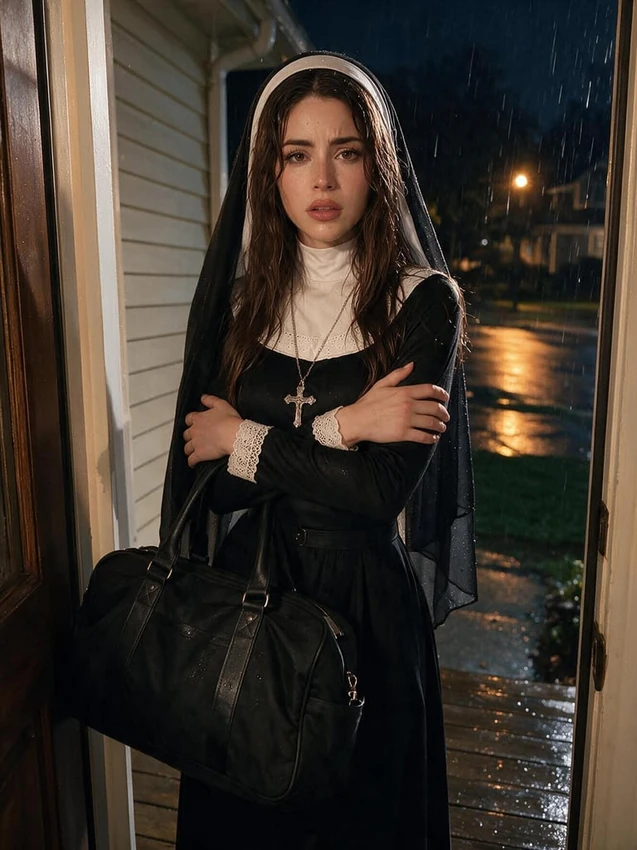
Nicole Wagner
Nicole Wagner
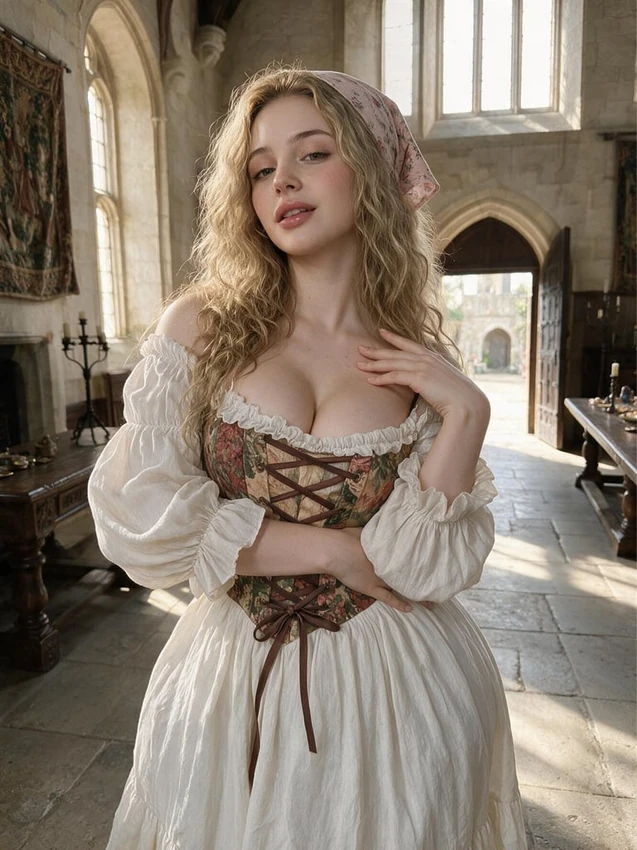
Sabrina Palmer
Sabrina Palmer
Adriana Phillips
Adriana Phillips

Choose the character and visual style

Use the Female and Style controls to narrow the catalogue, then read the profile description and tags. Realistic and anime describe the presentation; the character's written personality shapes the conversation.

If you are looking for a particular dynamic, read the greeting as well. A prewritten meeting gives you a different starting point from a companion with a shared history.

Write a companion of your own

In Create, choose the available appearance options and give your companion a name. Use Personality for their background, temperament and connection to your character. Use Greeting for the first moment you will play out together.

Develop the conversation

Give the character choices to react to: a missed appointment, an unexpected gift or a question about their work. Add relationship details to Memory when they become part of your ongoing story.

The companion is fictional. Its replies are generated, not messages from a real person. Keep personal account details out of the story and set the pace you are comfortable with.

Questions & answers

AI girlfriend: questions & answers

Can I create my own Nectar AI girlfriend?

Yes. Use the character creator to choose an appearance and write a personality, background and greeting. Review visibility before completing the companion.

Can I choose an anime-style girlfriend?

Use the Style controls when browsing, or choose an available style in the creator. Appearance and conversation preferences are separate choices.

Does the companion remember our story?

It uses recent conversation context and the Memory settings available to your account. Review saved facts as the story changes.

Can the same companion appear in images?

Yes. In Generate, choose Nectar Companion Model and select the character. Keep the scene description consistent with the character's saved appearance.